 |
| Go to Account Settings |
 |
| Click an email account, then type your signature text onto blank box. Click 'OK' |
Technology Land Co., Ltd.
Email Server/Hosting for your business
|
| Go to Account Settings |
|
| Click an email account, then type your signature text onto blank box. Click 'OK' |
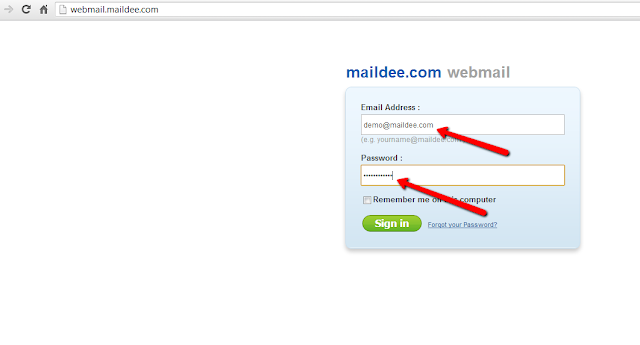 |
| Go to your company’s webmail, type your email address and password, click "Sign in". |
|
| Click "Settings" |
|
| Click "Identities and Signatures" |
|
| Create your new identity. |
|
| Type your display name and email. |
|
| Type your signature. Do tick on HTML signature. |
|
| Click "Save" |
|
| Once you “Compose” a new email, your signature is shown at the below of the email messages. |
